
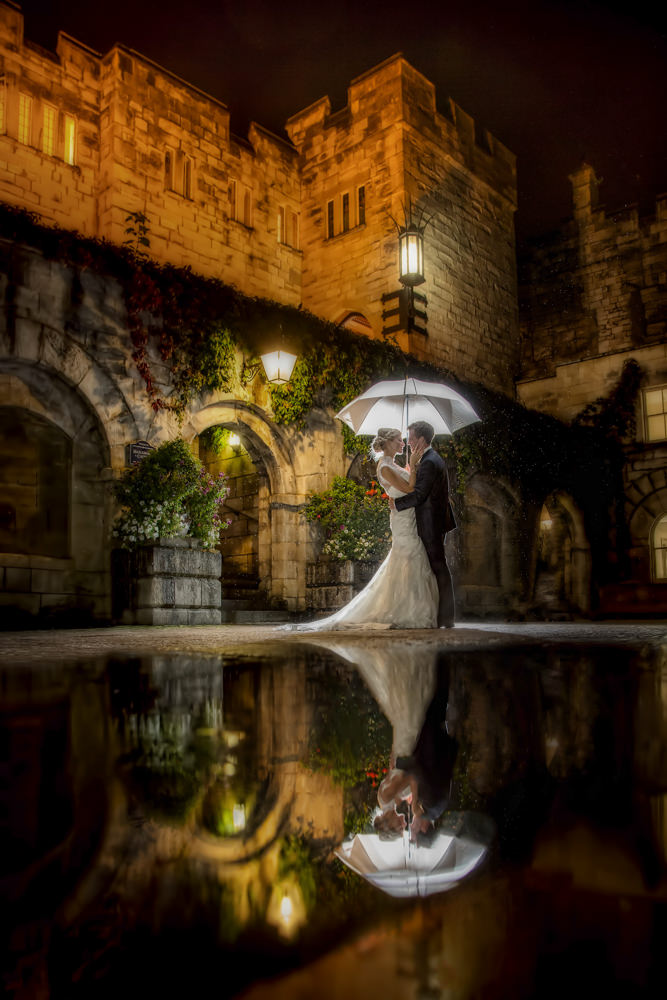
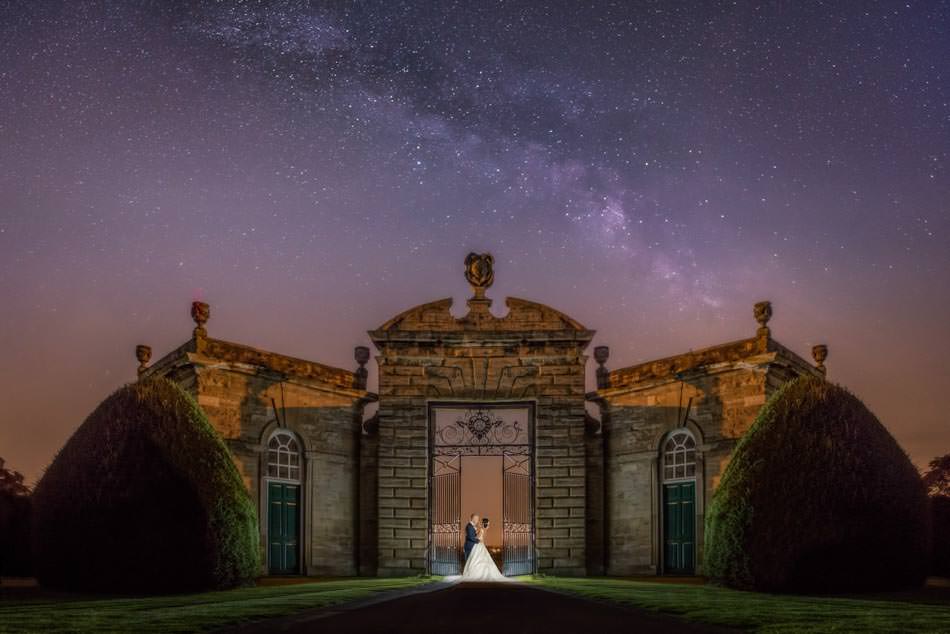
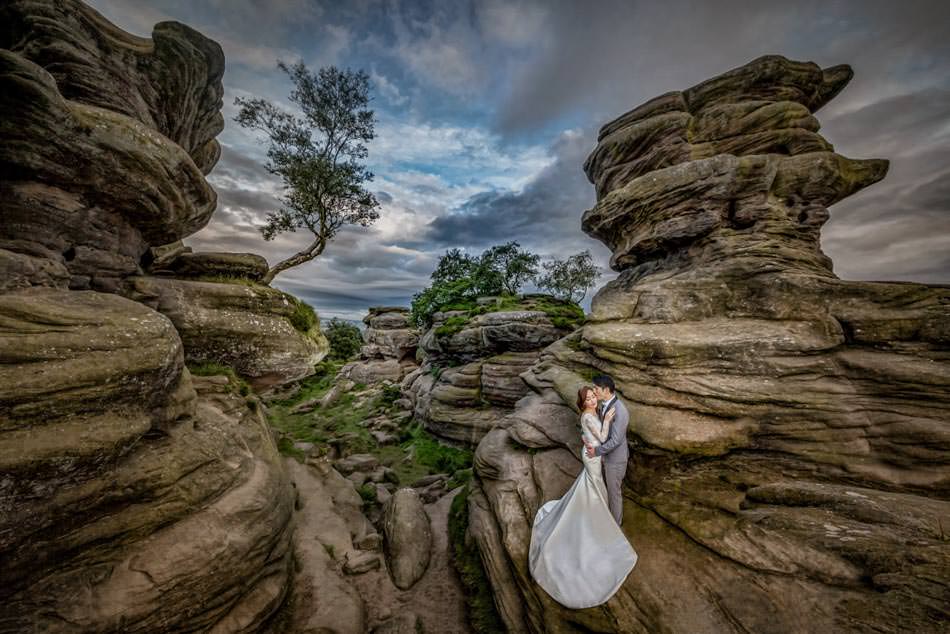
Lighting – Flash – Editing – 7 webinars with recording access
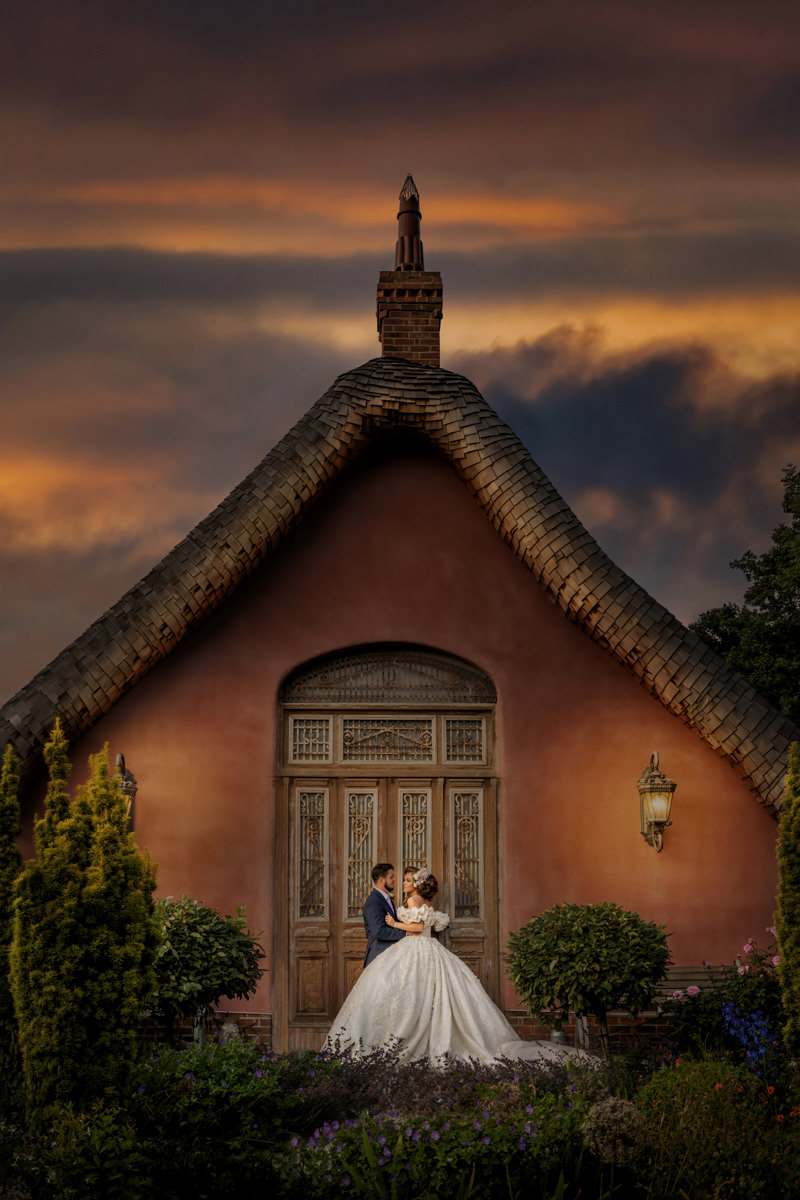
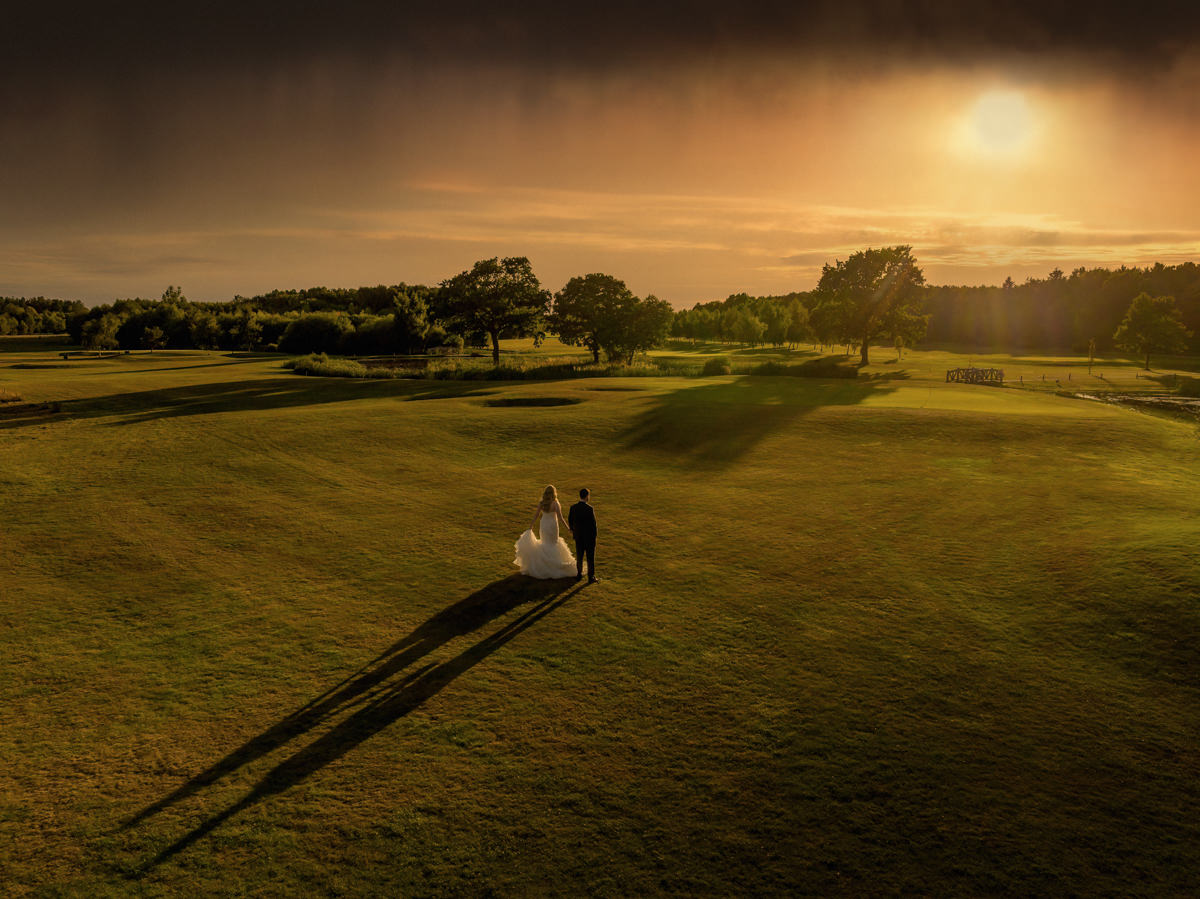
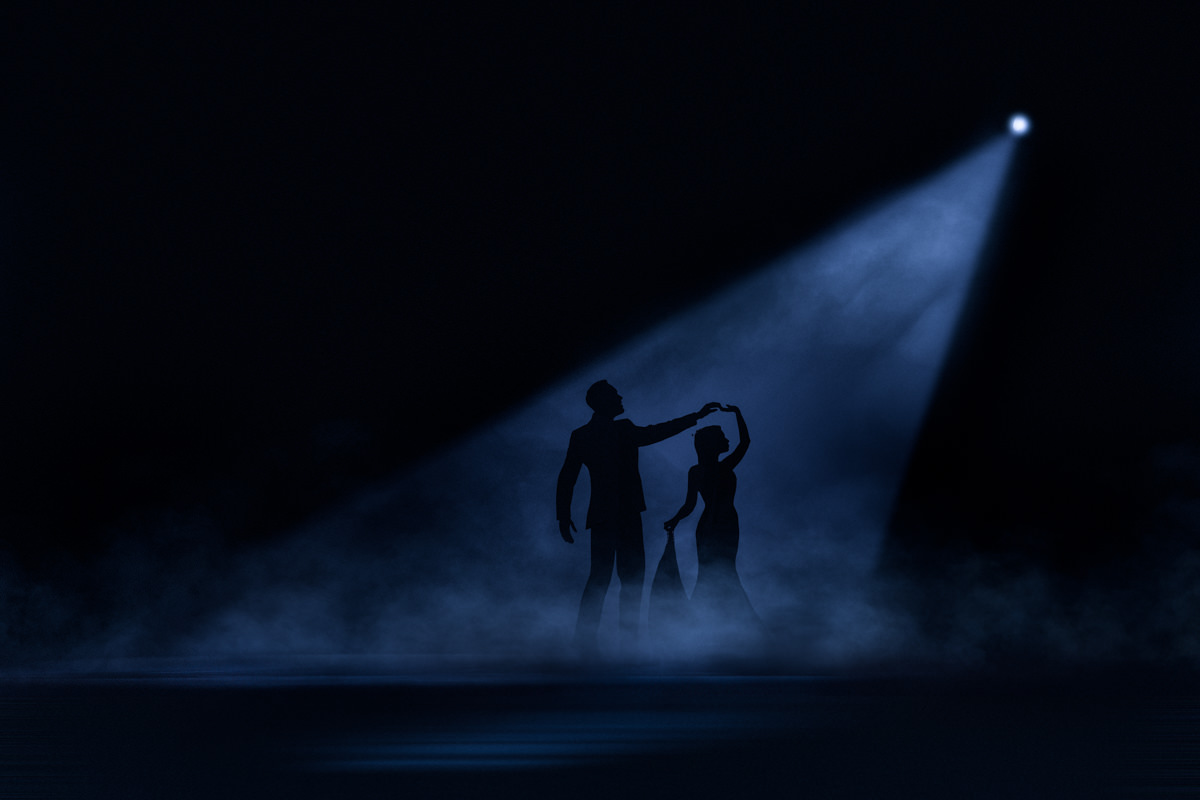
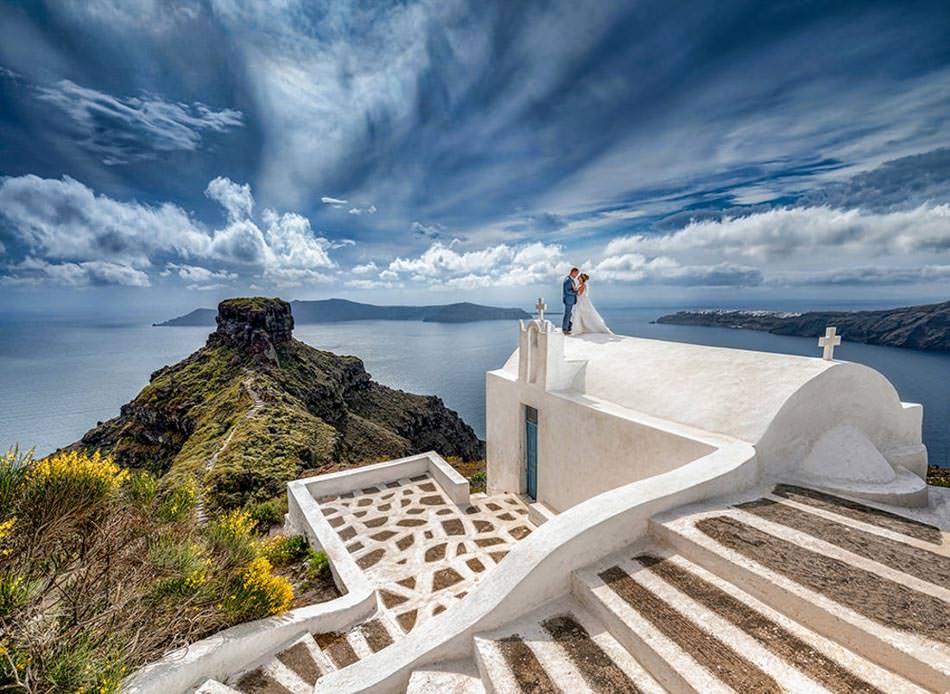
Join me on a series of webinars where I’ll explain my Lighting techniques, workflow and go to settings for a wedding day whether shooting natural light or flash, these will be followed up by two editing webinars where we’ll concentrate on styling your images to take them to the next level, making them stand out and wow your clients and produce amazing social media content Over 9 hours of content.
Each module is available separately or all together and includes 6 months recording access via a private facebook support group.
Module 1: 2 Webinars. Lighting 101 From understanding camera metering to bouncing flash, direct flash and lots of goto settings for wedding days
Module 2: 3 Webinars. Flash from creating and understanding off camera flash to using more advanced techniques. lots of goto settings and easy to follow workflow
Module 3: 2 Webinars. Editing. Stylising your images to add wow and impact, taking them past the ordinary with Lightroom and Photoshop. Includes Lightroom presets and RAW files to practice and edit as we go along
Each module is available to purchase separately at £30 each or buy all 3 for £50 and receive a £50 training course voucher valid for 2025. (See below for voucher T&C’s) As a bonus anyone purchasing all three modules will also receive the recent Data Management webinar recording for free.
Module 1: 2 Webinars. Lighting 101.
January 3rd at 1900 and January 5th at 1900. Recording access for catch up or watching again
2 webinars lasting 90 minutes each will cover
- Camera Metering Modes how our cameras work out exposure and the best for each situation on a wedding day, predicting errors and correcting
- Finding and using natural light, even mixing with on camera flash outdoors for candids, couples and groups you’ll learn how to select the best locations and camera settings to maximise them
- Camera Exposure modes and how we change modes through the day for different lighting situations
- On Camera Flash – How we use on camera flash on a wedding day, inside and out including bouncing flash. 99% of my flash images are taken with on camera flash
- Exposure Priorities, how we prioritise the elements in the exposure triangle
- White Balance and temperature control
- Goto settings for indoor wedding photography, groups, speeches, candids and dance floor photos
- Shooting in dark locations without crazy ISOs

Module 2: 3 Webinars. Flash off camera flash wow to advanced
January 6th at 1900, January 7th at 1900 and January 8th at 1900 – Recording access for catch up or watching again
3 Webinars lasting 60 minutes each will cover
- Workflow for off camera flash with the minimum of kit. The majority of my off camera flash images are taken with just standard speedlites
- Goto settings for day time. Set up your camera and flash before you even go outside
- Goto settings for twilight and night time including fireworks
- Working in complex and difficult lighting scenarios
- Selecting the best light source and modifier for the situation
- Off camera flash settings for indoor wedding photography
- Balancing flash and ambient exposures to create natural looking wedding photographs with flash on or off camera
- Creating Wow by controlling the light
- Overpowering the sun with a single speedlite

Module 3: 2 Webinars. Editing. Stylising your images to add wow and impact
January 9th at 1900 and January 10th at 1800 Recording access for catch up or watching again
2 webinars lasting 60 minutes each will cover
- Using Lightroom presets to create your signature look – the webinars will include free presets and RAW files to download enabling you to practice as we go along.
- Photoshop polishing, adding the finishing touches in Photoshop to make the image pop and wow your clients. Includes Photoshop actions to download.
- Looking for and fixing the little details with a variety of Photoshop tools
- Automating the boring processes to speed up your workflow
- Never again say “That’ll do”
Below: Does your image look like the one on the left? During the webinars I’ll demonstrate how edit my images to create a signature look whether in colour or black and white. My favourite latest black and white pre-set is included with the webinars

Below: Many photographers are happy to deliver the image on the left, during the series of webinars I’ll show you how I create the image and then edit to add that signature look as seen on the right hand side photo.


Free £50 training Voucher
Sign up to all three modules and receive a complimentary £50 training course voucher to be used on any wedding photography training course during 2025.
The voucher is valid for all new bookings made after signing up to the webinars. The voucher will be deducted from the final balance after making the deposit payment. Not valid for existing bookings webinars or used in conjunction with any special offer or discount. One voucher per person, the voucher is non transferable and is valid for all bookings made before December 2025 even if the workshop is in 2026.
