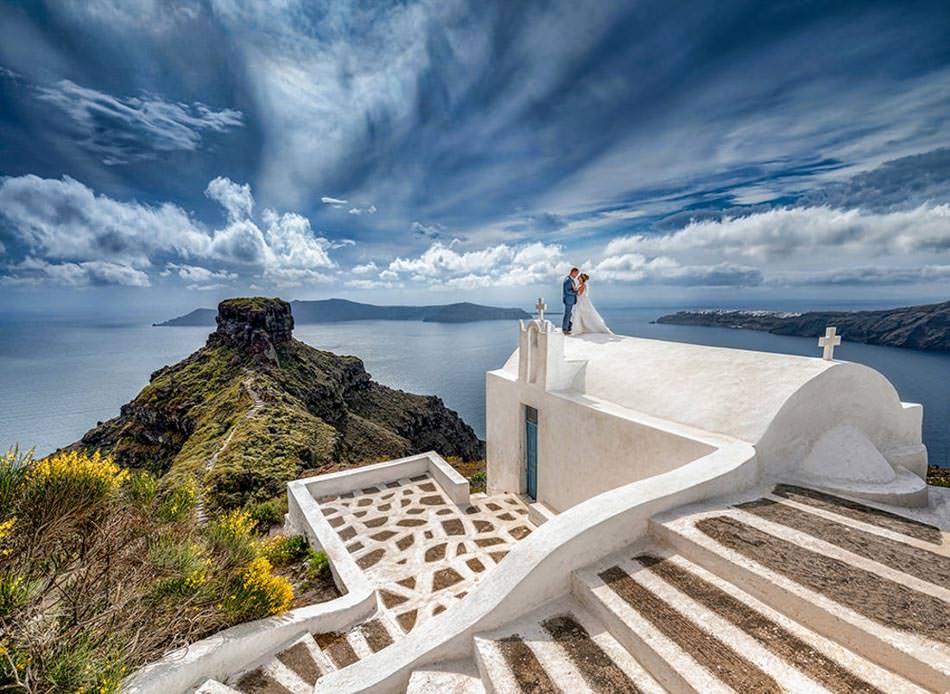
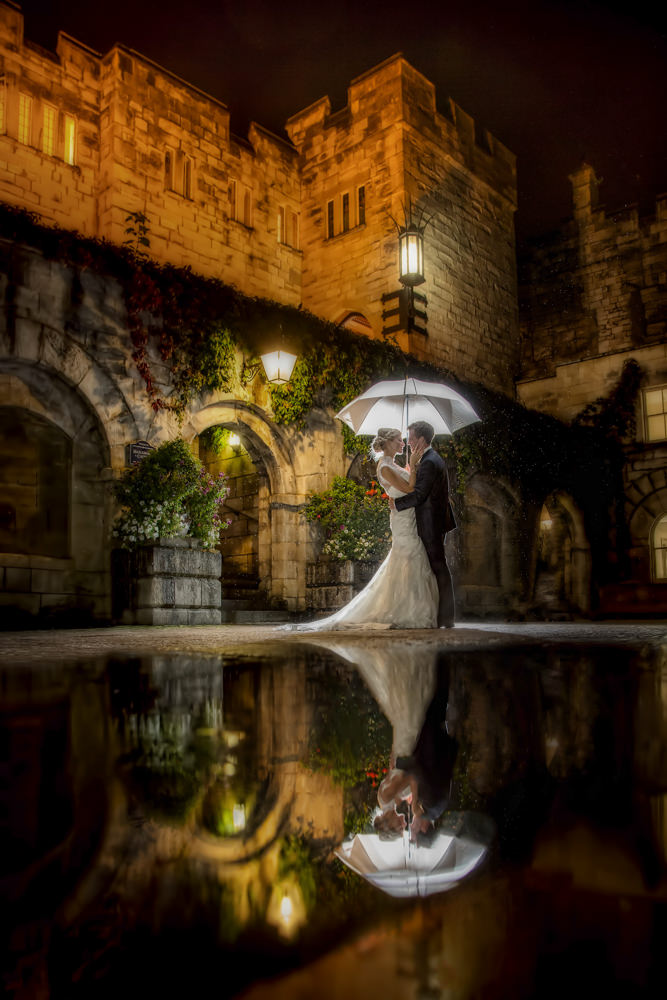
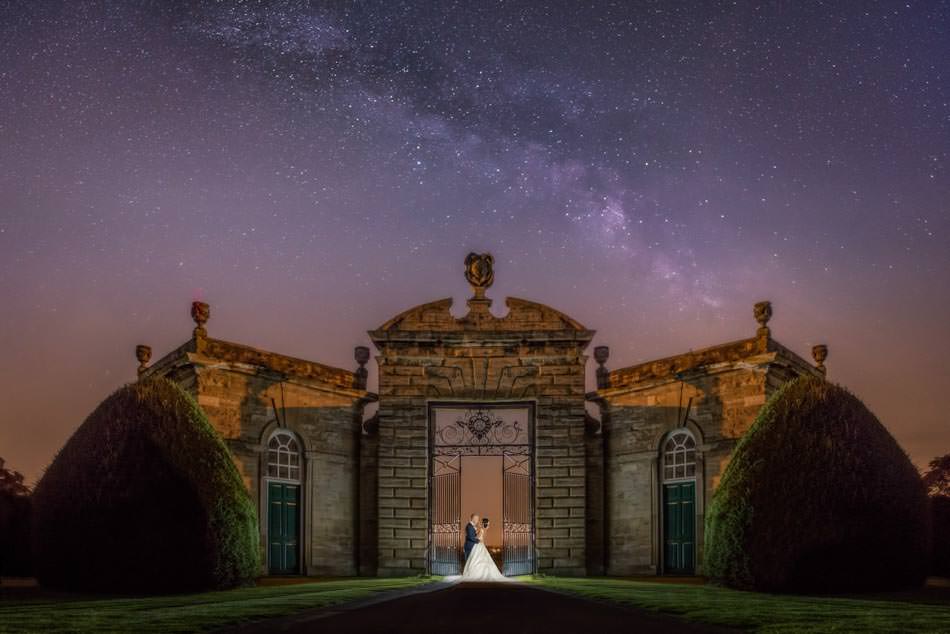
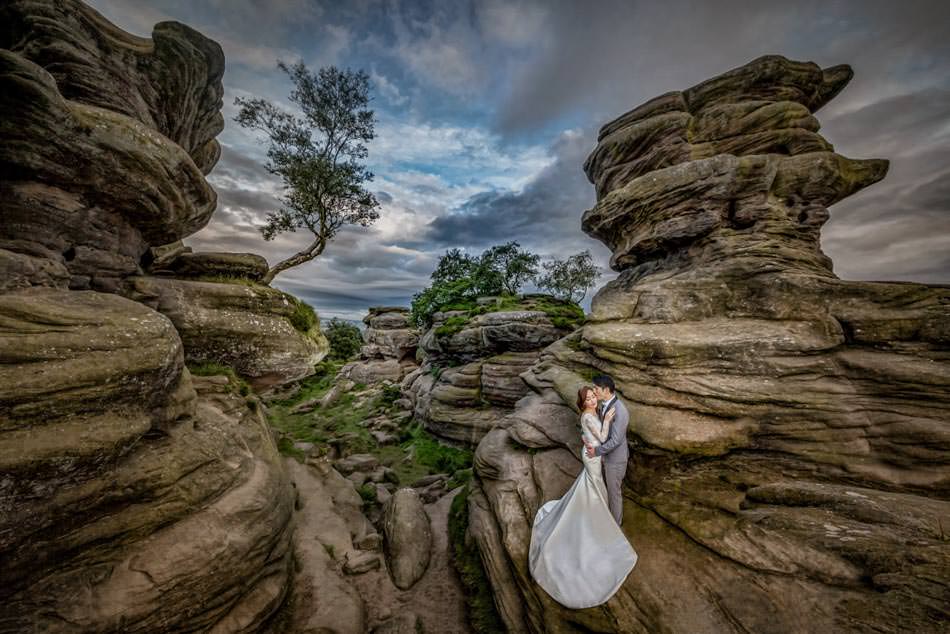
Online webinars and bootcamp for workflow and editing
November 2025 – February 2026
12 Months access – All recordings available – Real Wedding Edit from start to finish
A three month online bootcamp with workflow webinars to speed up your edit process and follow along weekly edit videos to help develop your signature style, weekly videos will be supplied with the RAW files and any presets, actions and overlays I use in the videos so you can edit the same file.
The Boot camp culminates with a full wedding edit from Lightroom to Photoshop of a real wedding and the edit is also real, the wedding takes place early February at Allerton Castle and you’ll see me edit the full wedding through to the gallery delivery to the bride and groom.
All webinars are recorded and along with any resources (RAW files, Actions, Presets and overlays) are available for twelve months after the bootcamp has ended, the group will be formed around a private Facebook group where you’ll be able to post, comment and ask questions as well as watch the regularly added content and any live sessions.
Webinar 1: Lightroom Editing November 11th at 7PM – 60-90 minutes
Streamlining your Lightroom workflow, we’ll look at options including using AI or hand made Presets, how I have streamlined my wedding edit to achieve a full Lightroom edit in under 2 hours without AI, during this time we’ll also touch on stacking images, sorting ISO noise reduction image requirements and automating tasks. We’ll also touch on data management, backing up workflow and how to survive hard drive catastrophes
Webinar 2: Photoshop Editing November 14th at 7PM – 60-90 minutes
Speed tips and tricks to make your life easier and editing faster, how you can automate and edit whilst not even at the computer. We’ll also look at the use of plugins and simple styling tips.
Every week – NOVEMBER – December – January
Regular weekly updates with new videos of live edits which will help fine tune Photoshop techniques, style and ideas. Videos where applicable will include access to the actual RAW file I edit, any overlays used, Lightroom presets and Photoshop actions. These will help you create a stylised and consistent look to your edits, solve problems and work faster.
Webinar 3: I edit your images December 8th at 7PM – Upto 2 hours
A chance to send me RAW files and I will live edit the images you send in, supplying you the edited version at the end.
Webinar 4: I edit your images (second webinar) December 15th at 7PM – Upto 2 hours
A second chance to send me RAW files and I will live edit the images you send in, supplying you the edited version at the end.
Webinar 5: Real Wedding Live Edit – Lightroom Sunday 8th February 0900 – unknown duration – depends on your questions!
The cull and edit of a real wedding in Lightroom, from import to export. The wedding will be at Allerton Castle and this will eb the actual couples edit.
Webinar 6: Real Wedding Live edit Photoshop Monday 9th February 7PM – unknown duration – depends on your questions!
Using all the information from the previous webinars and weekly videos I will live edit in photoshop the exported images from Webinar 4. This will be a real wedding from Allerton Castle.
Enrol now and have early access to the Facebook group from mid october with some bonus videos and resources available. Full bootcamp access is available at the introductory offer price of £30
Lightroom
Lightroom plays an integral part in our editing workflow. during the first webinar, we will look at how I optimise Lightroom from the import settings to the processes which speed up the edit including the initial cull of images
The Lightroom webinar will also cover the use of import presets, speed editing methods, sorting files into priority order and organising exports ready for Photoshop edits.
With our workflow optimised, we can then concentrate on creating styled edits ready for our couples, each of the weekly edit videos will concentrate on creating signature edits worthy of your portfolio and hanging on your customers walls.


Aftershoot and AI editing
During the webinars, we will look at the impact of AI on workflow specifically Aftershoot and how I have incorporated this into my wedding edits. Aftershoot speeds up the process and allow me more time to concentrate on the detailed edits.
We will also look at methods of work without AI as not everyone is using it as part of their edit process, instead we will look at the use of presets and automation to help speed up your workflow without a financial commitment to an AI subscription
Anyone interested in Aftershoot can take advantage of a 10% discount from their subscription with this link www.aftershoot.com
Photoshop Editing
Although light room offers a vast of tools and editing possibilities, I still use Photoshop for fine tuning and creating that final signature look to my edited images.
Webinar will be concentrating on speeding up your Photoshop edits whilst the weekly videos will help you create the wow and polish to your galleries.
